VAT and markup calculator for UK trade quotes.
Stop VAT and profit getting muddled.
A simple structure for checking cost, markup, VAT treatment, and the final price before you send a quote to a client.
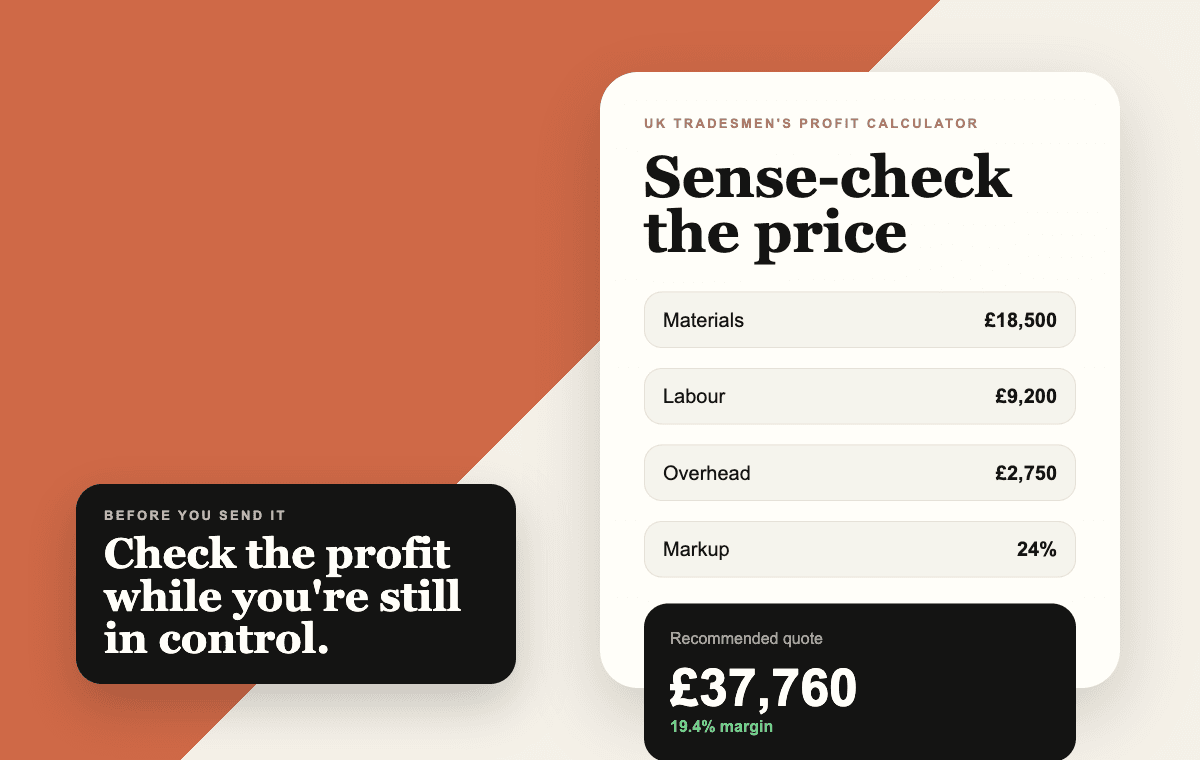
What this page helps you decide.
A simple structure for checking cost, markup, VAT treatment, and the final price before you send a quote to a client. Keep labour, materials, and subcontractors clean before adding overhead, profit, contingency, or VAT.
Source note: Prepared from QuoteBuild product workflows and UK trade quoting patterns. Use it as a practical structure, then confirm local labour, supplier prices, VAT treatment, measurements, and site-specific risk before sending a client quote.
Check VAT and markup
Keep profit and VAT separate so the final number is clear.
Inputs
Example: a net job cost with contingency, markup, and standard VAT added in the right order.
Instant result
Price excluding VAT
£10,763
£2,153 profit before VAT
VAT to show
£2,153
Client total
£12,915
Gross margin before VAT
20.0%
Want the working file?
Enter your email, then download the CSV. The result stays visible above.
Start with net costs
Keep labour, materials, and subcontractors clean before adding overhead, profit, contingency, or VAT.
Add profit before VAT
Profit belongs in the quote price before VAT is applied. VAT should not be used to hide a thin margin.
State the VAT position clearly
Your quote should tell the client whether prices include VAT, exclude VAT, or use a reduced rate for the specific job.
Run the quote through the right order.
Step 1
Enter the net job cost and overhead allowance.
Step 2
Add markup or target gross margin before VAT.
Step 3
Apply the correct VAT treatment and show the client-facing total clearly.
Free calculator
Send me the VAT and markup calculator.
Use it to check the quote before you send it. QuoteBuild can then turn the same price into a live job budget.
Quick answers.
Should I add markup before or after VAT?
For normal quoting, calculate the job price and profit before VAT, then apply the correct VAT treatment to the client-facing total.
Can QuoteBuild handle VAT wording?
Yes. Company VAT details and quote wording can be saved so the client sees clearer assumptions on the quote.
Who is this calculator for?
It is for UK builders and trade businesses checking a real job before they create a saved estimate or client quote.
What should I check before relying on the result?
Check the live scope, measurements, supplier prices, labour allowance, VAT position, access, waste, exclusions, payment terms, and any likely client changes before sending the quote.
How does QuoteBuild help after this page?
QuoteBuild turns the same pricing structure into a saved job with quote packs, client links, staged payments, variations, invoices, photos, live costs, and margin tracking.